Your main booking link shows everything you offer. Sometimes you want to promote one thing: a new treatment on Instagram, a class in a WhatsApp group, or a seasonal special on a flyer. Service booking links take the customer straight to that service's time selection, skipping the browsing step entirely.
Copying a service link
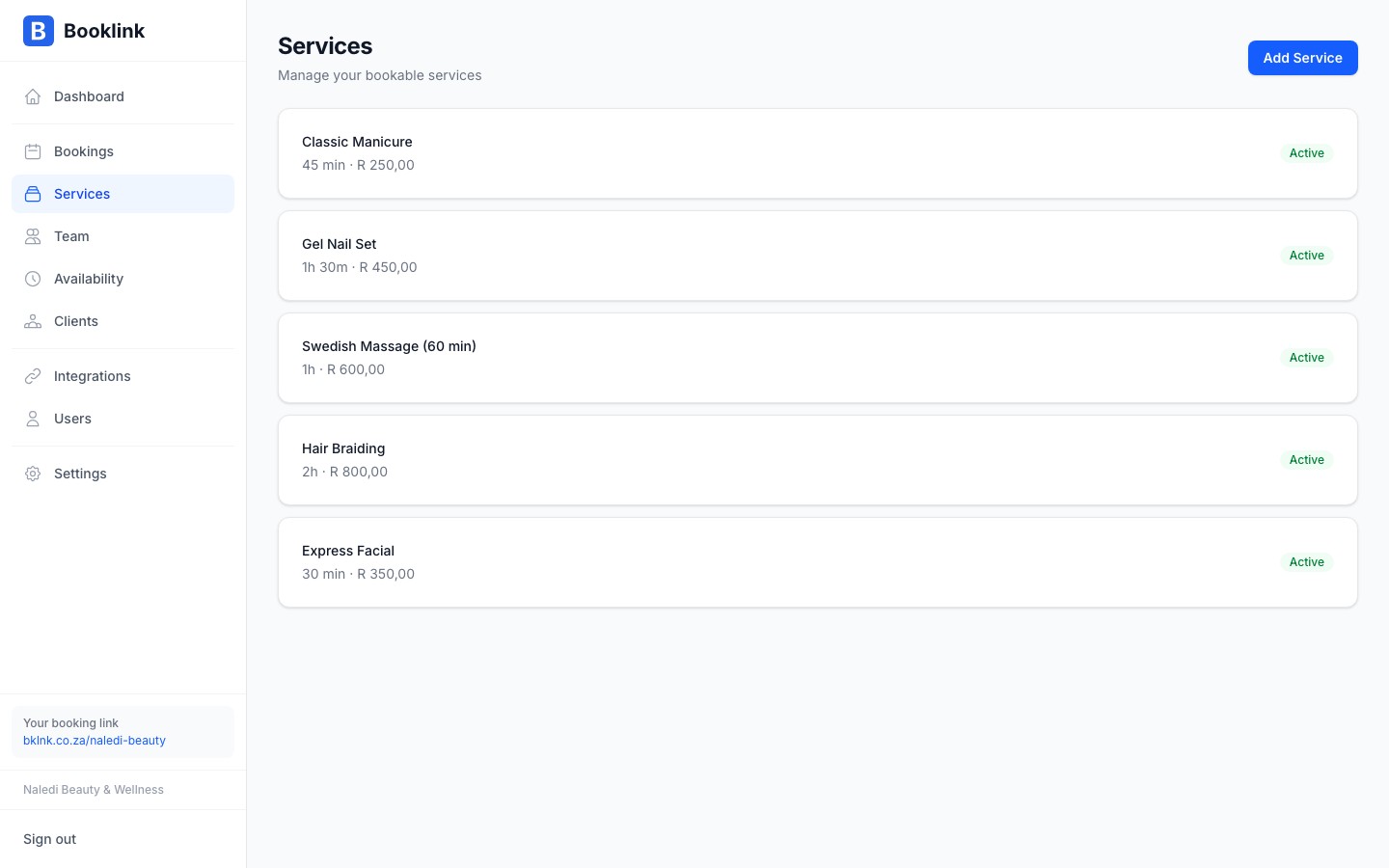
Go to Offerings in the sidebar. Every service row has a copy button that puts that service's direct booking link on your clipboard. The link looks like this:
bklnk.co.za/your-slug?service=...
When a customer opens it, the service is pre-selected and they land directly on the next step of the booking flow.
Category links
If you use service categories, the category filter is also reflected in the page URL. Open your own booking page, tap the category pill you want, and copy the URL from the address bar (it ends in ?cat=...). Sharing that link opens your booking page already filtered to that category.
Keeping a link inside one offering or category
Add &only=1 to a direct link and the client stays inside that offering or category: no category tabs and no way back to the full list. A hidden, link-only offering is locked automatically.
Example: you charge a rand price for South African clients and a euro price for clients abroad, as two categories. Send ?cat=<sa-category>&only=1 to local clients and ?cat=<overseas-category>&only=1 to clients abroad. Each group sees only its own price list, from the first step to the confirmation.
The client still sees what they are booking: the offering's description and its booking instructions appear beside the calendar while they pick a time (and above the list of sessions for a group offering). Long text starts collapsed behind Read more.
Note
Links withoutonly=1 keep working exactly as before.Links stay safe
If a shared link points to a service you have since deleted or deactivated, the customer is not shown an error. The booking page simply falls back to the normal service selection.Where direct links shine
Pair each marketing message with its matching link: the gel manicure promo links straight to the gel manicure, the yoga class poster QR code links straight to the class. Fewer taps means more completed bookings.