
If you run consultations, tutoring, or coaching online, Booklink can generate a Google Meet link for every booking automatically. The customer gets the link in their confirmation email and calendar invite, and you both join the same call without any copy-pasting.
Turning it on for a service
Open the service and go to Service details. Switch on Add a video call link to each booking and save.
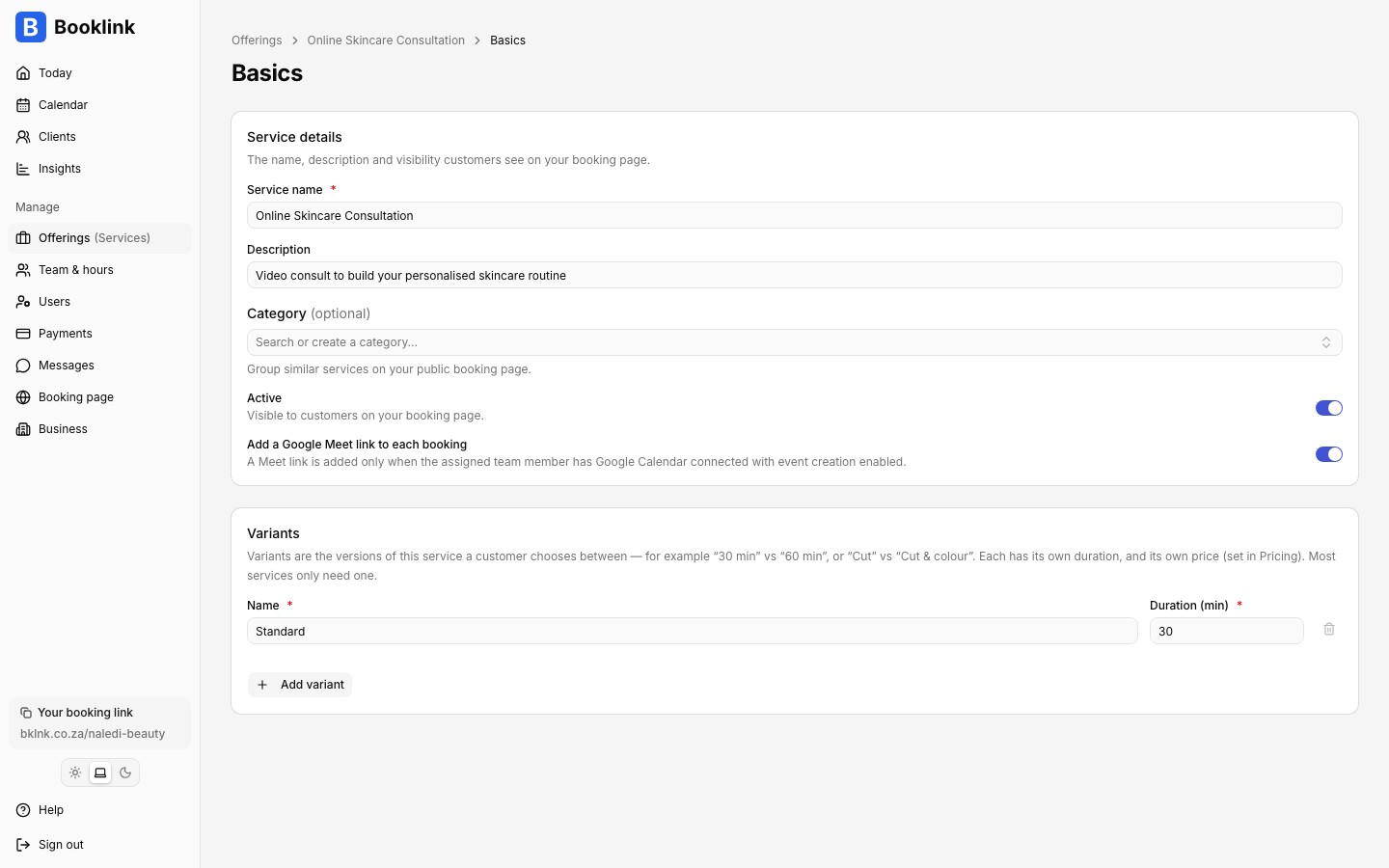
Which provider is used
The link comes from the assigned team member's own connections: Zoom when the team member has Zoom connected, otherwise Google Meet when the team member has Google Calendar connected with event creation enabled. Connect either from the team member's page (Team & hours, open the member, then Calendar or Video calls). See Zoom and Google Meet video calls for the full picture, including what happens when a team member has both connected.Where the link appears
Once a booking with a Meet link is confirmed, the link shows up in three places:
- The confirmation email, with a join button
- The calendar invite attached to the email, so it lands in the customer's own calendar
- The manage-my-booking page, where the customer can join right up to appointment time
On your side, the booking detail page shows the Meet link with a copy button, and the event in the team member's Google Calendar carries the same link.
One link per booking
Every booking gets its own unique Meet link, so back-to-back customers never end up in the same call.