
Deleting your Booklink account is permanent. It removes all your business data, services, availability settings, bookings, clients, and integrations. This cannot be undone after the grace period, so make sure you really want to do this before proceeding.
What gets deleted
When you delete your account, the following is permanently removed:
- Your account profile and all user logins
- All services and availability rules
- All bookings and their notification history
- All client records
- All integration credentials (Google Calendar, payment gateways)
- Your booking page and its slug; the URL stops working immediately
- Any remaining WhatsApp credits (these are not refunded)
30-day grace period, then gone
Deletion is scheduled when you confirm, and your data is permanently removed after 30 days. Within that window, contact support@booklink.co.za if you change your mind. After 30 days the deletion cannot be reversed.How to delete your account
- 1
Go to Account settings and find the Danger Zone
Click Account in the sidebar and scroll to the bottom of the page to find the Danger Zone card.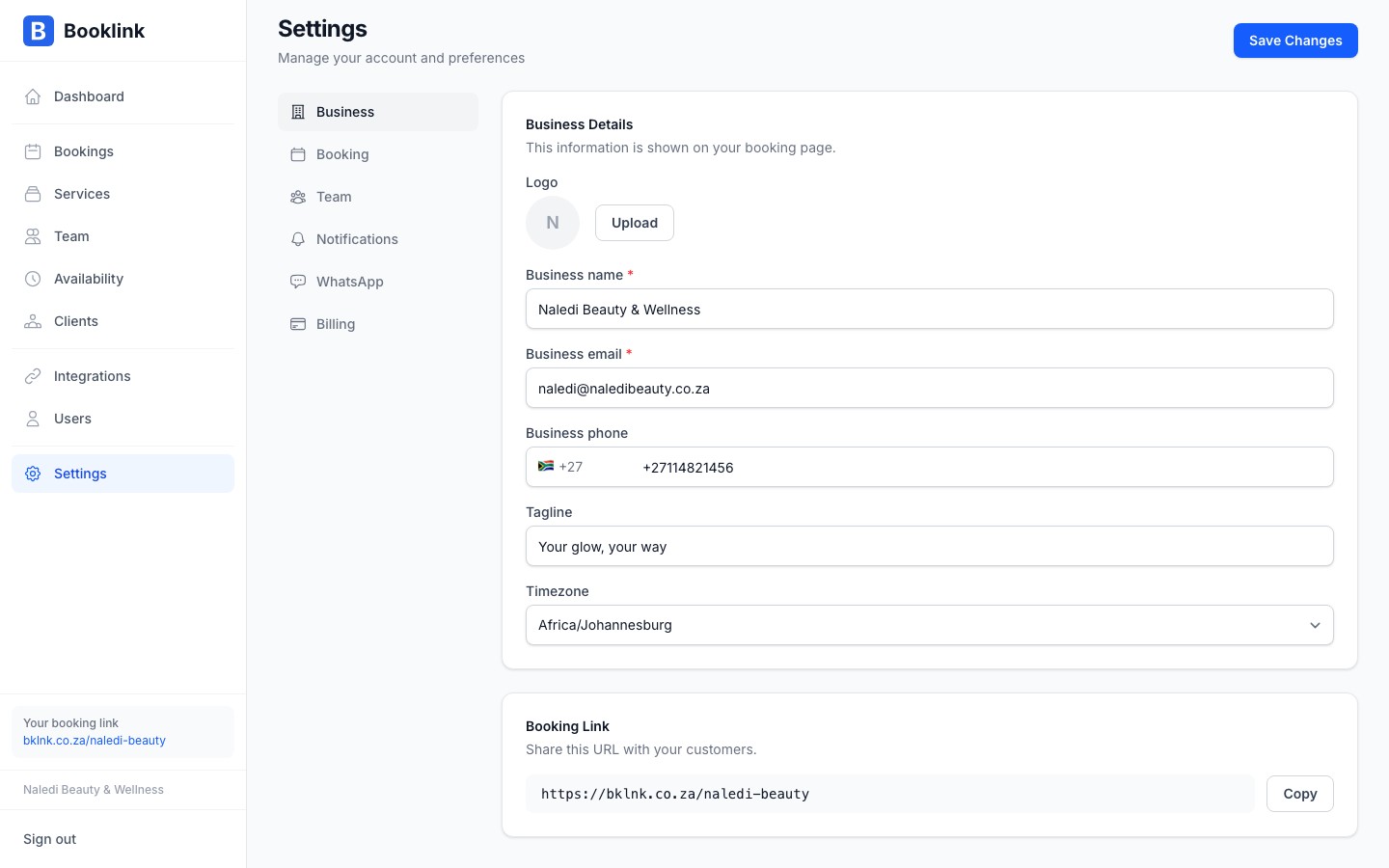
- 2
Click Delete account
Click the red Delete account button. A confirmation dialog opens explaining what will be deleted, asking you to type DELETE to confirm, and showing an optional feedback prompt. The feedback fields are optional and have no effect on whether the deletion proceeds.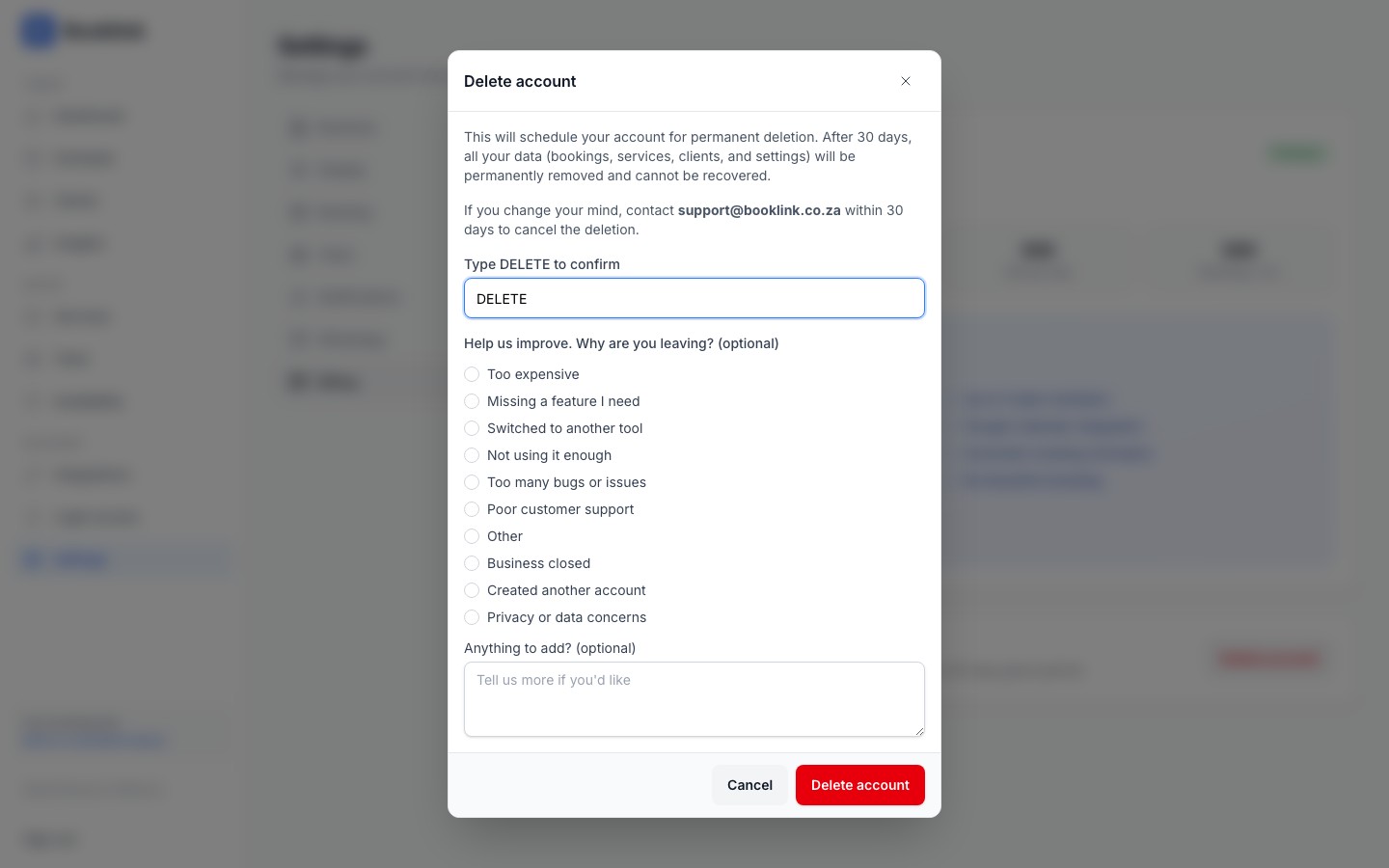
- 3
Type DELETE and confirm
Type DELETE (all caps) into the confirmation input. The red Delete account button enables once the text matches. Click it to schedule your account for deletion. You will be signed out, and after 30 days all your data is permanently removed. Within that 30-day window, contact support@booklink.co.za if you change your mind.
Alternatives to deletion
Consider these alternatives before deleting:
- Taking a break? You do not need to delete your account. Simply stop sharing your booking link. Existing bookings remain but no new ones will come in.
- Want to stop paying? Cancel your subscription to drop to the free plan; your data stays intact.
- Handing over to someone else? Update the account email and user details instead of deleting.