
WhatsApp notifications let you reach clients on the messaging app they use most. When enabled, Booklink sends a WhatsApp message to the client's phone number alongside the standard email for key booking events. Each WhatsApp message uses one credit from your balance. WhatsApp notifications are a Pro feature.
WhatsApp channels
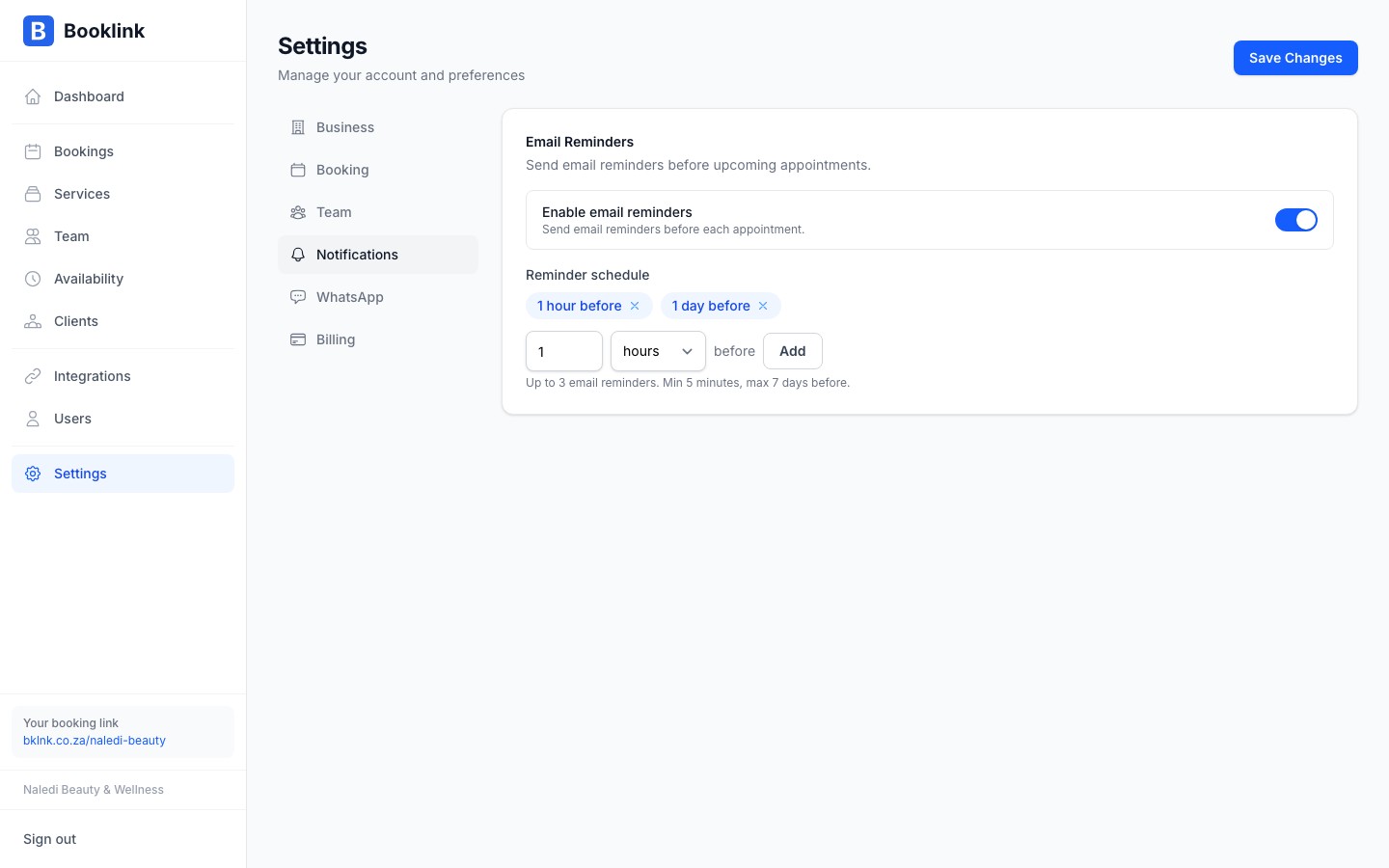
Go to Messages in the sidebar and find the WhatsApp Channels card. Switch on Enable WhatsApp notifications (the master toggle), then choose which booking events trigger a message:
- Booking confirmation: sent when a booking is confirmed
- Booking cancellation: sent when a booking is cancelled
- Booking update: sent when a booking is rescheduled
WhatsApp reminders
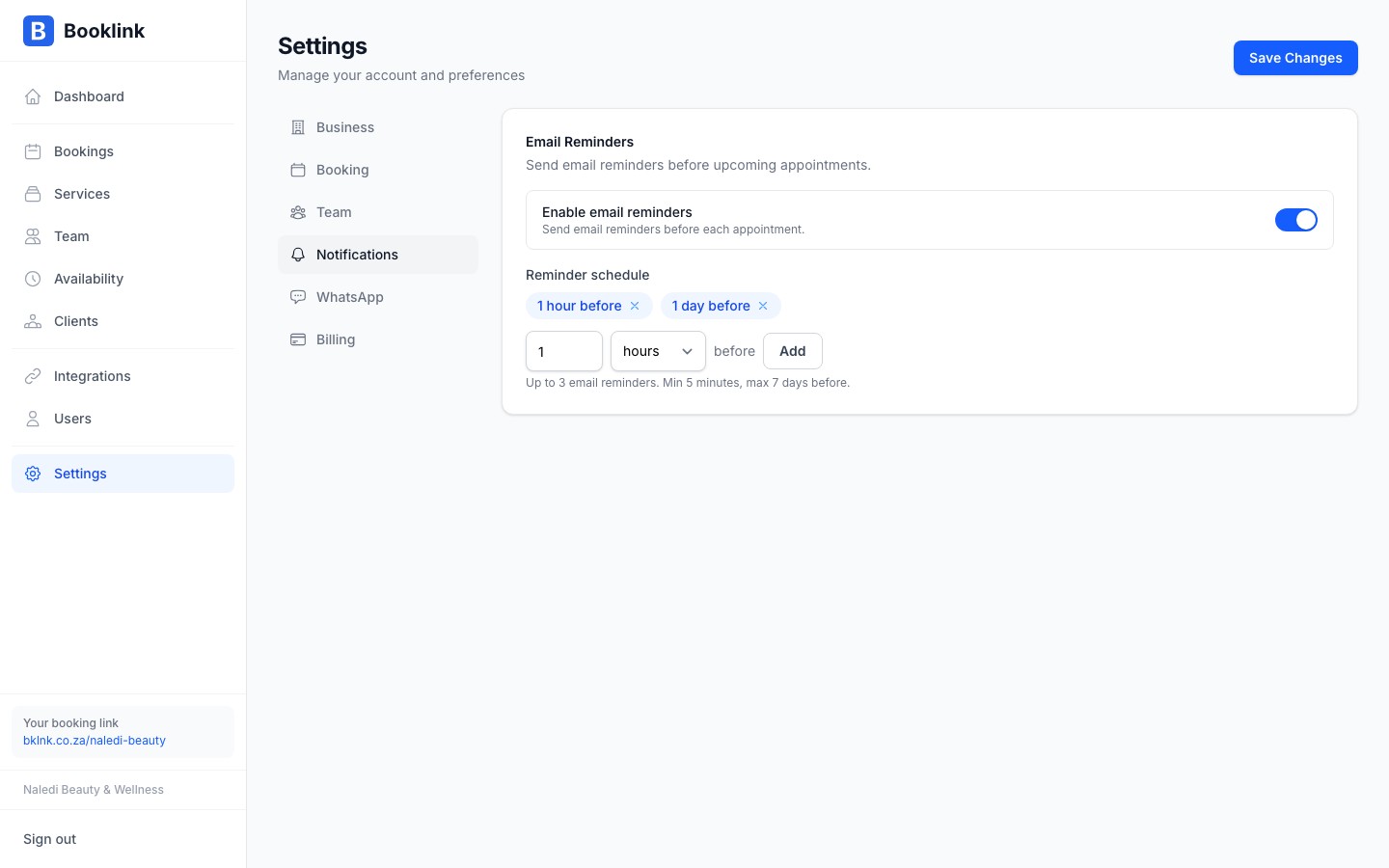
The WhatsApp Reminders card on the same page controls appointment reminders. Switch on Enable WhatsApp reminder and choose a mode:
- Before each appointment: one reminder a set number of minutes, hours, or days before each appointment (up to 7 days before)
- Once daily for that day's appointments: a single reminder per appointment, all sent at a fixed time of day that you choose (for example 07:00)
One WhatsApp message is sent per appointment in both modes.
Phone number requirements
WhatsApp messages are sent to the phone number the client provides when making a booking. For delivery to succeed:
- The number must be a valid mobile number registered on WhatsApp
- South African numbers should be entered with the country code: +27 followed by the number without the leading 0 (e.g., +27 82 123 4567)
If a client does not provide a phone number, or their number is not registered on WhatsApp, the message will not be delivered. Email is always sent as a fallback.
Credits are consumed on send, not on delivery
A credit is used when Booklink sends the WhatsApp message, regardless of whether it is successfully delivered to the client. Make sure clients provide valid WhatsApp-registered numbers to avoid wasted credits.